MOUSE 1.0
Under construction - Most animated gif images here are courtesy of the animation factory

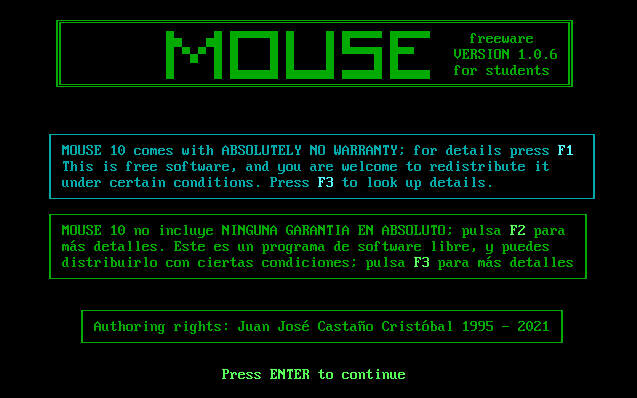
  1. Download MOUSE10.zip

  2. Installing MOUSE10:

    • After downloading the zip file with the program and the exercises, unzip the files onto your hard disk drive. You can use MOUSE10 as portable freeware on a pendrive.

    • Run the appropriate file for your operating system (see README.TXT in the program files).

  3. Program description (basic information for students).

  4. Detailed Information for teachers

  5. Advanced Technical information

  6. Screenshots


    MARKS 2.0

  1. Download MARKS20.zip

  2. Installing MARKS 2.0:

    • After downloading the zip file with the program and the sample data files, unzip the files onto your hard disk drive. You can use MARKS 2.0 as portable freeware on a pendrive.

    • Run the appropriate file for your operating system (see README.TXT in the program files).

  3. Information for teachers.

  4. Screenshots


    SUMAR 1.0

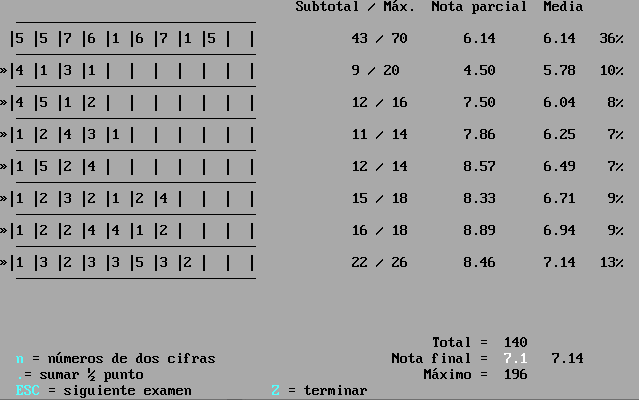
  1. Information for teachers

  2. Screenshots

  3. Right-click to download SUMAR for your operating system:

    SUMAR 1.0 for MS-DOS (and 32-bit Windows - up to Win XP)

    SUMAR 1.0 for 64-bit Windows

    SUMAR 1.0 for linux

  4. After downloading the zip file with the program, unzip the files onto your hard disk drive. You can use SUMAR as portable freeware on a pendrive.


RELOJ 1.2

You can use RELOJ as portable freeware on a pendrive to learn how to say the time in English.
  1. Right-click to download RELOJ for your operating system:

    RELOJ 1.5 for MS-DOS (and 32-bit Windows - up to Win XP)

    RELOJ 1.5 for linux

    RELOJ 1.2 for 64-bit Windows Under construction - Most animated gif images here are courtesy of the animation factory

  2. After downloading the zip file with the program, unzip the files onto your hard disk drive.

JJCC