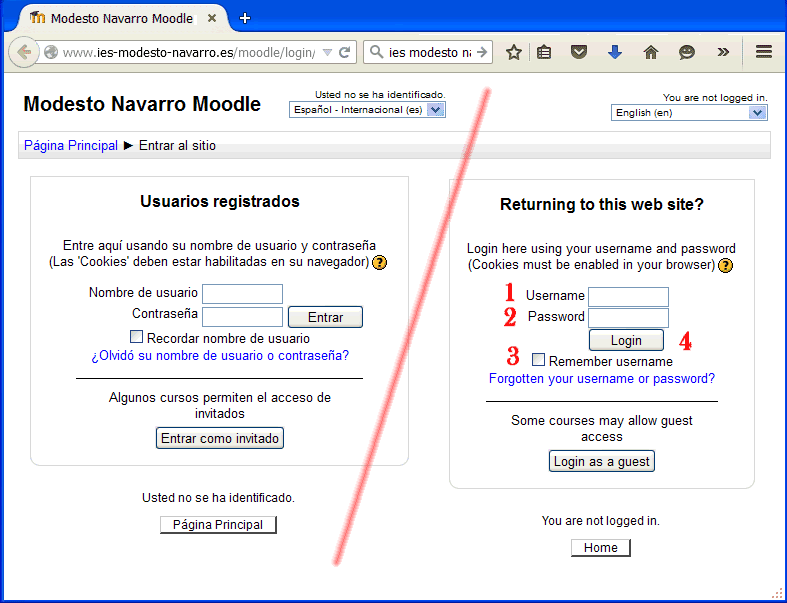
Chat room instructions
(These instructions are no longer valid, since we do not have the time to do this activity any more,
but they have been left here as a sample of our work, in case it can inspire others.) |
NOTE:
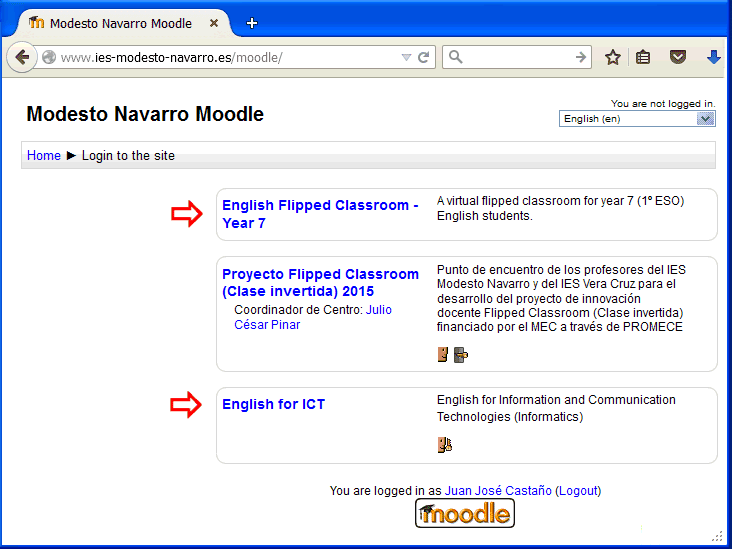
During the school year 2011-12 we used moodle to do a whole unit in the third year (The Future).
This project has now been discontinued due to insufficient staff because of the government's cutbacks in education investment.
We would like to be able to do it again in the future, but six years later this looks like a very distant possibility:
our regional government is the only one in Spain that is still making teachers work the maximum number of hours allowed by law.
____________________
(Note updated in January 2017) |